Categories
Categories organize products in CMP and drive category tabs in the customer Store (for example Backups, Support).
Path: Settings → Products → Categories
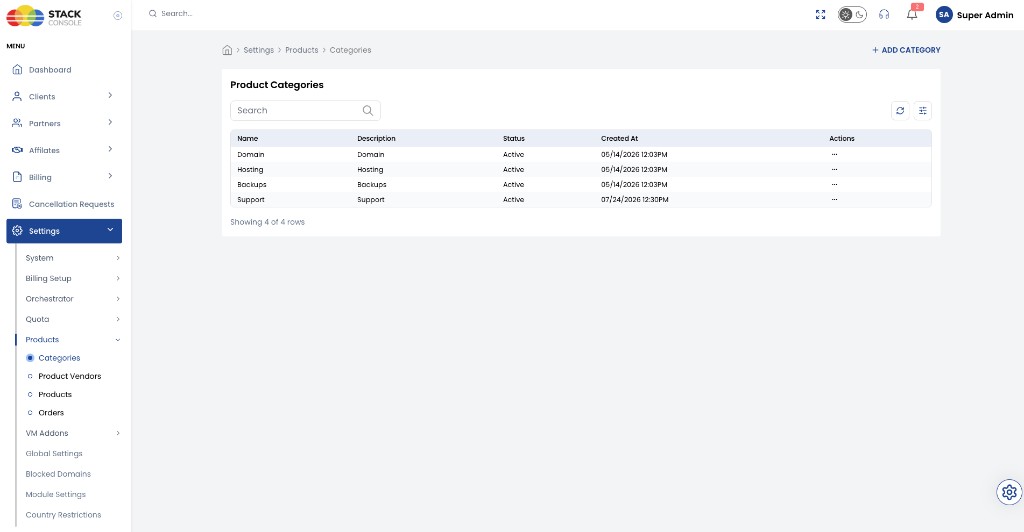
Use + ADD CATEGORY to create groups. Keep names short and customer-facing — they appear as Store filters.
tip
Create categories before adding products so each product can be assigned correctly and appear under the right Store tab.